How It Works
Your Inbox, Monitored
Email Cheat Code monitors your university email and sends you SMS alerts when something important needs your attention. We scan your inbox every 15 minutes so you never miss a critical deadline. We also support "quiet hours" so you won't get a text in the middle of the night.
Connect Your Gmail or Outlook
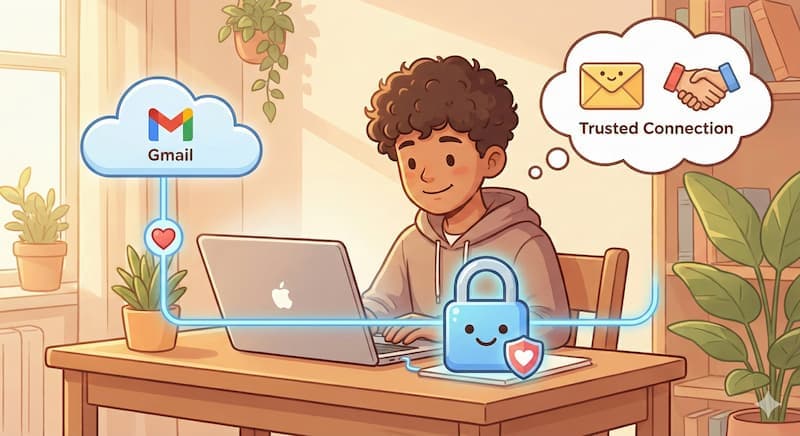
Connect your university email account through a secure OAuth process. This gives us read-only access to your inbox - we can see your emails, but we can't send, delete, or modify anything.
Your OAuth tokens are encrypted and stored securely using industry-standard encryption (AES-256-GCM). We never store your email passwords.
Privacy & Security
- ✓Read-only access: We can only read your emails, never send, delete, or modify them.
- ✓Encrypted storage: Your OAuth tokens are encrypted using AES-256-GCM encryption.
- ✓PII redaction: We automatically redact sensitive information (SSNs, student IDs) before processing.
- ✓Minimal storage:We don't store email bodies - only alert summaries and metadata.
- ✓You're in control: You can disconnect your account at any time, which immediately stops all scanning.
We Scan Your Inbox
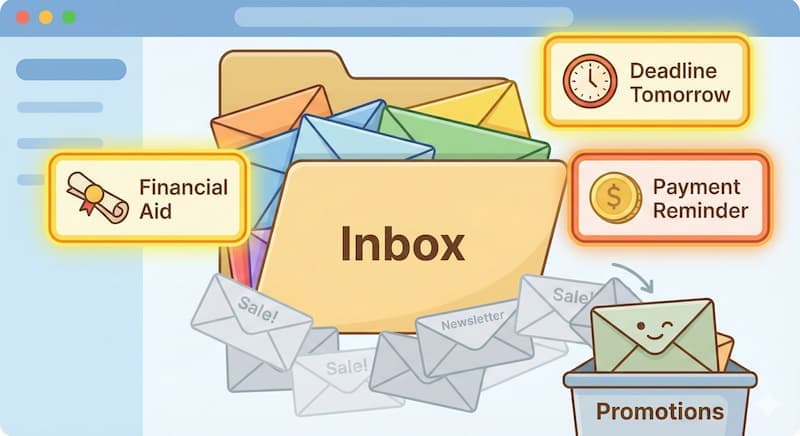
Our system automatically scans your inbox every 15 minutes. We use a smart filtering system that looks for emails from important senders (like your bursar, financial aid office, or registrar) and emails with urgent keywords.
We skip promotional emails and social notifications automatically, so you only get alerts for things that actually matter.
Example:
We spotted this subject line: "Final Payment Reminder - Action Required". That's a trigger we'll flag.
Smart Analysis
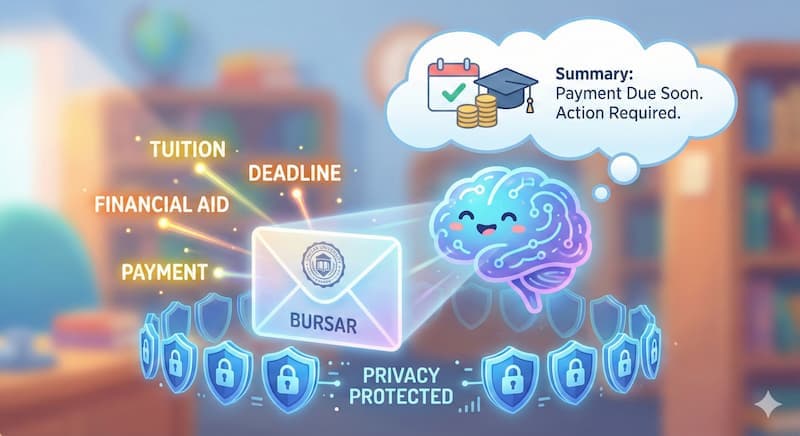
When we find an email that looks important, we analyze it more carefully. We check the sender, subject line, and content for keywords related to financial deadlines, registration holds, payment reminders, and other critical university communications.
For emails that pass our initial filters, we use AI to generate a clear, concise summary of what the email is about and what action you might need to take.
Example summary:
"Registrar: Account on hold. Action required."
Privacy note: We redact sensitive information (like Social Security numbers or student IDs) immediately after fetching emails, before any analysis happens. Your email content is processed in memory and never stored permanently - we only keep the alert summaries.
You Get SMS Alerts
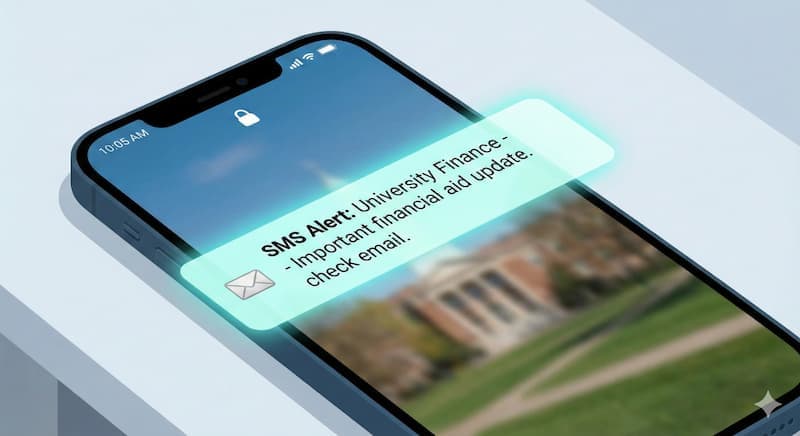
When we determine an email is important enough to alert you about, we send you a text message with a brief summary. The alert tells you who sent the email and what action might be required.
A typical text:
"Financial Aid: Documents missing for your FAFSA. Check your inbox."
We only send alerts for emails that meet our importance criteria, so you won't be bombarded with notifications. Most users receive 1-3 alerts per week, focused on the things that truly need attention.
Review in Your Dashboard
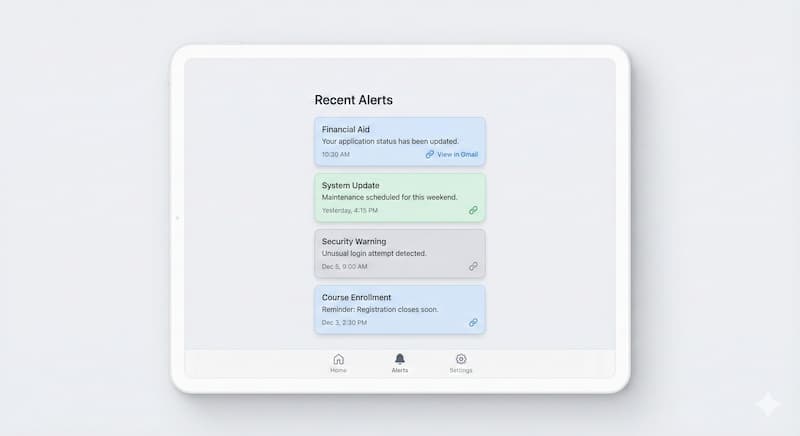
All your alerts are saved in your dashboard, where you can review the reasoning behind each alert, see the scoring breakdown, and view links to the original emails in Gmail.
The dashboard shows you all four alert candidates that were generated for each email, so you can see exactly why we flagged it as important. You can also see when each alert was sent, and click a link to view the specific message in Gmail.
Frequently Asked Questions
What kinds of emails will you alert me about?
The stuff that actually matters - financial aid deadlines, registration holds, bursar payment reminders, housing deadlines, academic notifications. Newsletters, club emails, and campus-wide blasts are filtered out.
How does this actually work?
After you connect your school email, we check it regularly for the kinds of messages students actually miss - things like financial aid, billing, registration, housing, and academic notices. When something important comes in, we send you a text with a short summary and point you back to the original message in your inbox.
The system is tuned for just the important stuff, so you do not get a text for every email. And we do not send texts in the middle of the night.
Is it safe to connect my school email?
Yes. We connect through Google and Microsoft's official sign-in - the same OAuth flow you'd use to connect any trusted app. We can only read, never write. We can't send, delete, or touch anything in your inbox.
A few things worth knowing:
- Our security was independently verified by TAC Security, an authorized assessor for the App Defense Alliance - the security standards body founded by Google, Meta, and Microsoft - through a CASA Tier 2 audit.
- We never store your email content. Only a short alert summary is ever saved (like “Financial Aid: action required”).
- Your password stays with Google or Microsoft. We never see it - ever.
- You can revoke access anytime directly from your Google or Microsoft account settings, independent of us.
- We're a verified app with Google and Microsoft - we've passed their review process for apps that access email.
Can Email Cheat Code send emails from my account?
No. We request only gmail.readonly (Gmail) or Mail.Read (Outlook) OAuth scopes. Read-only by design - it is technically impossible for us to send, delete, or modify any email in your account.
Does Email Cheat Code store my emails?
No. Email bodies are never stored. We process content in memory, generate a brief summary if flagged as important, then immediately discard the full content. Only the alert summary, sender, subject, and timestamp are saved.
Can I disconnect at any time?
Yes. Disconnect from your dashboard at any time - scanning stops immediately. You can also revoke access directly from your Google or Microsoft account settings.
What if I think you missed something?
Check your dashboard to see all alerts. If an important email didn't trigger an alert, it might not have met our importance criteria. You can always review your inbox directly in Gmail or Outlook.
Can I control how many alerts I get?
Our filtering is designed to catch only the most critical emails. Most users receive 1-3 alerts per week. If you're getting too many alerts or missing important ones, let us know through support.